Collaboration, iOS

Review – Part 3

Last post on this review!

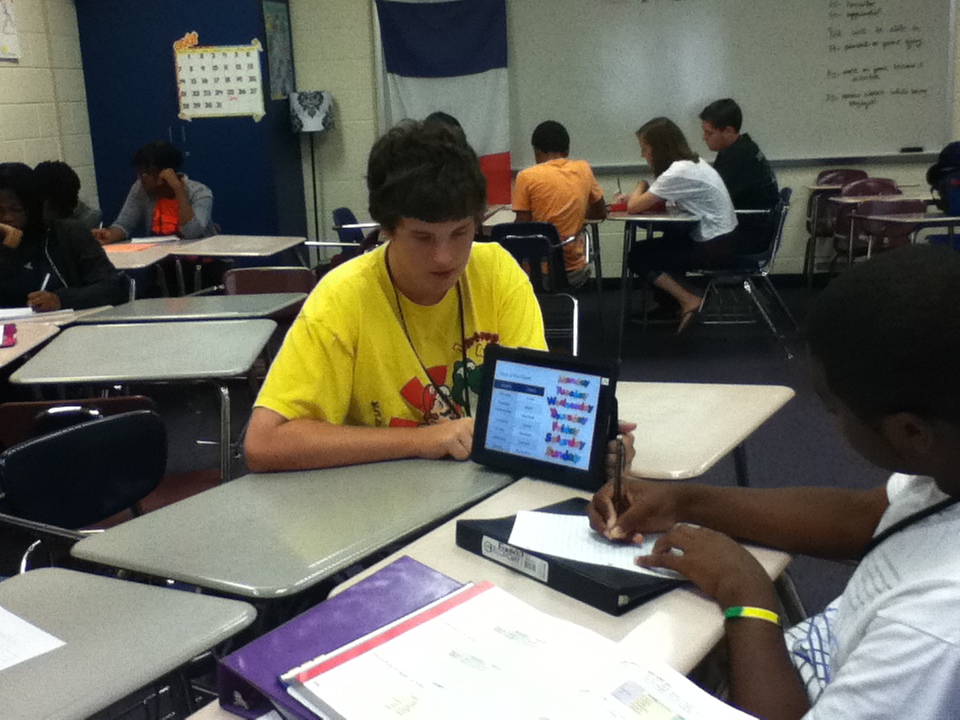
After the round robins and activities, we looked at the presentations as a class and talked about if anything was wrong. I changed the slides (as much as I could) before I posted them for the students to see. Then all students took a quiz. My French 2 students took the French 1 final..but I let them work with a partner of their choosing. I wanted to hold them accountable for learning the information from the other presentations. However…weeks and weeks and weeks later, I’m always surprised at how much they don’t know (or don’t care?) 😦

Some of the groups had really great ideas for activities! One group did a variation on the amazing race – in pairs, students had to go to note cards around the room in sequential order and answer the questions. The first pair done, won. A couple groups did scavenger hunts with note cards placed around the room – individually students went around the room searching for answers to questions. One group made a cross word puzzle for groups to complete – puzzle was filled in by correctly conjugating verbs. The two French 2 groups with numbers created activities where students had to count – in one class students had to go around the room counting (un, deux, clap, quatre, cinq, clap, etc). This presented problems because students didn’t listen. In the other class, students got in a circle and threw a beach ball to each other. Students had to say the next number (en français) and were out if they got it wrong. Both activities made me realize that they don’t know numbers! Most of the other activities didn’t really go well or were taken directly from the textbook. One very unconventional activity in my French 3 class was called “Stoned.” A student stood in the center of the room and was asked a question. If they got it wrong, other students threw paper balls at him/her. Luckily they are a very close group and could handle it. However I doubt I’ll be repeating that activity 😉

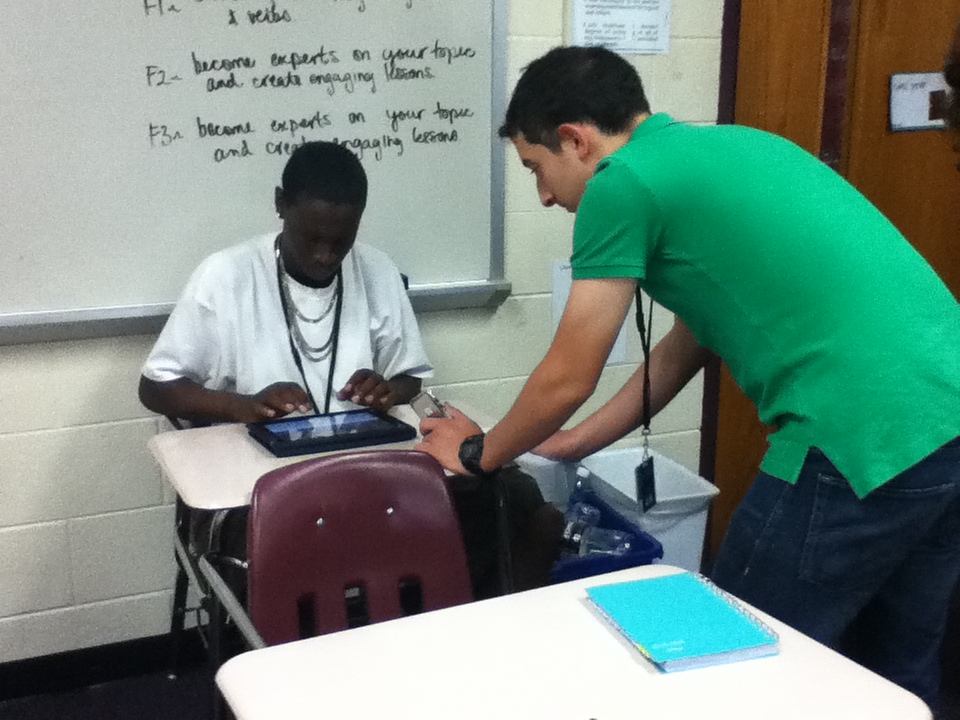
I put all of the presentations on my website so that students can go back to them throughout the year: French 2 & French 3. Some of the groups used the iPods to take pictures and I transferred them from the iPods to the iPads using the mac computer. This could have been much simpler if we had iPad 2s! I loved the idea of adding pictures though. I think videos would also be pretty cool to add in the future (this would definitely make it more stand alone).
Here are the final notes that I wrote to myself…
*grade presentation & activity separate? that way students can grade it immediately after and not have to try to remember presentation after activities
*make sure to have time for all students to be able to do grades (they used iPod touches and didn’t always have time to finish)
*when students are completing grading forms – make sure to include group number in form
*have written on board – group # with names & topics
*remind students that they are grading the material, not the people
*put groups together based on strengths/weaknesses
Collaboration, Google, iOS

More review with #Keynote and #iPads

I was really excited about the review project! I was finally able to use the iPads for something meaningful and students were excited to be using the technology.


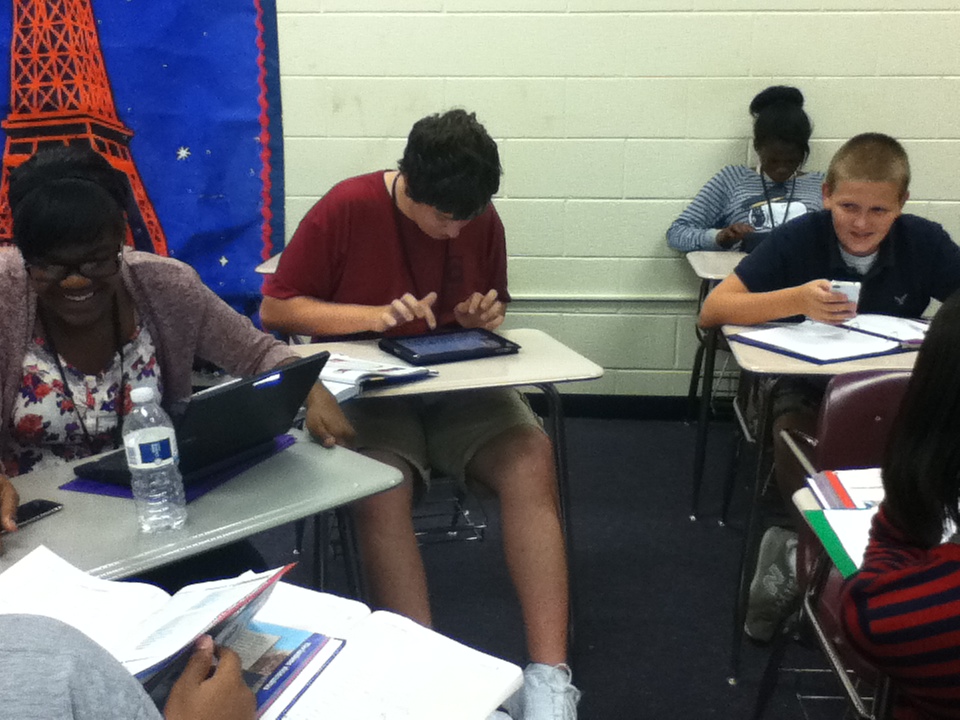
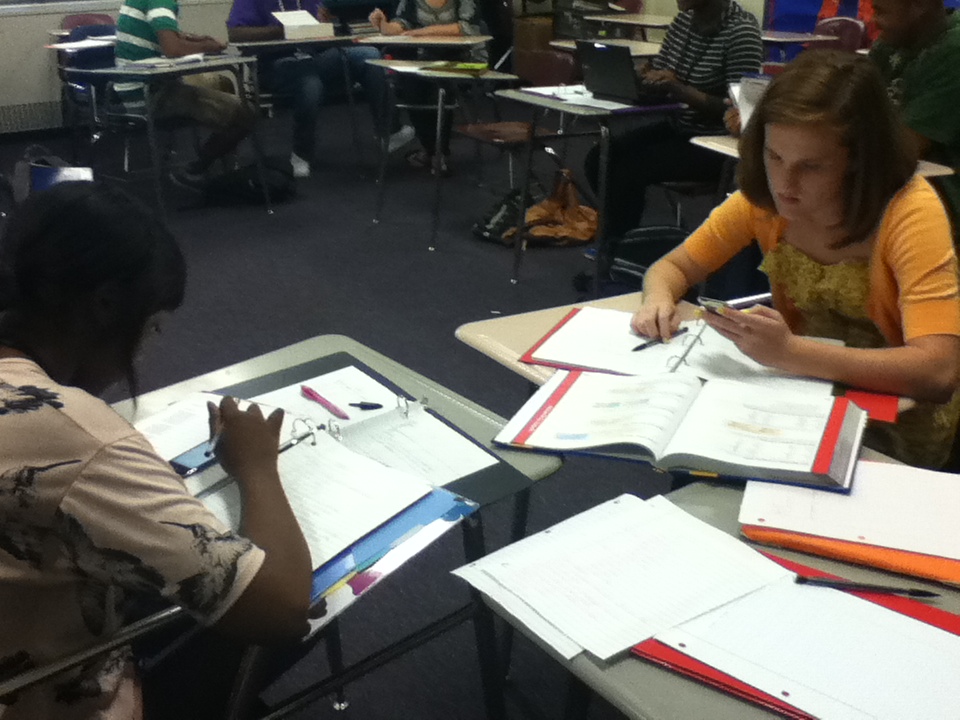
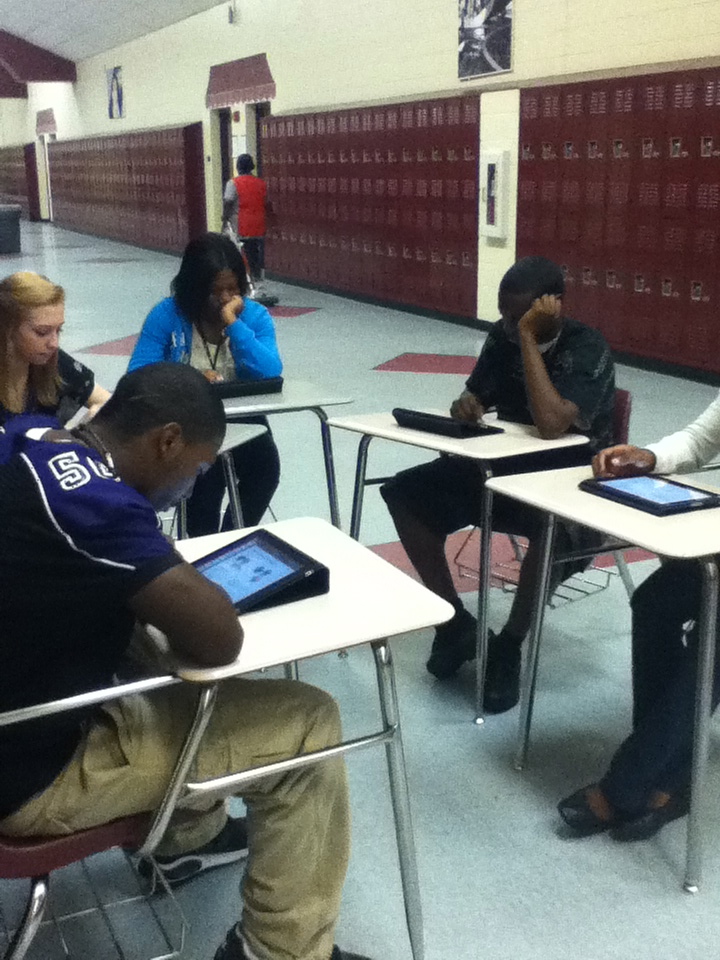
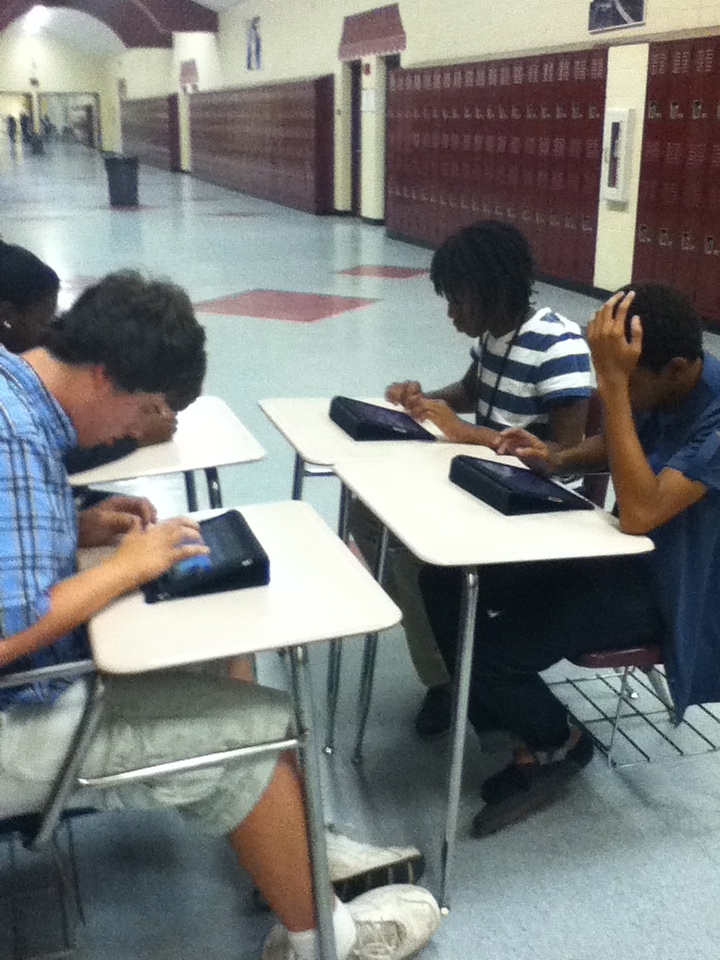
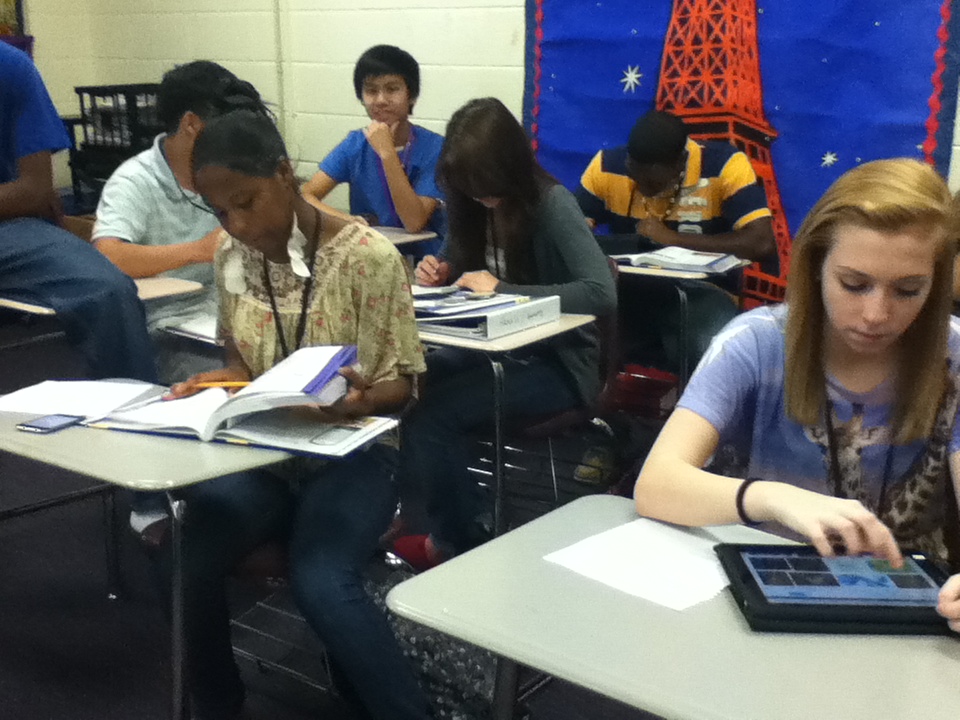
I love allowing students to teach each other but I just didn’t know how it was all going to work. I asked my Integration Technology Specialist at the time (MaryAnn) for ideas about how groups could present their lessons. She recommended round robin sessions…genius! I set up my desks in groups of 5 or 6. We used the cases that came with the iPads to stand them up. I gave students the choice to leave a group member with the iPad for a few minutes (to introduce the lesson) or not. Most groups chose not to and I encouraged this because they needed to be traveling around so they could learn from the other groups!

**Note: Next time I would tell students from the beginning to create a stand-alone tutorial. I didn’t like when students had to stay behind and weren’t able to get the most out of the activity**

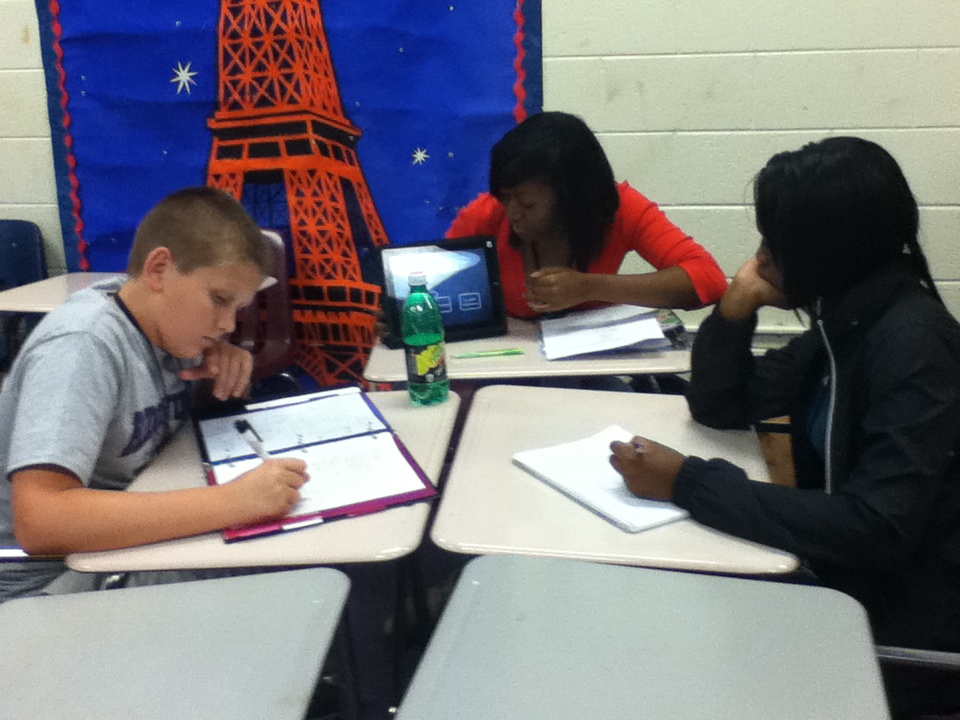
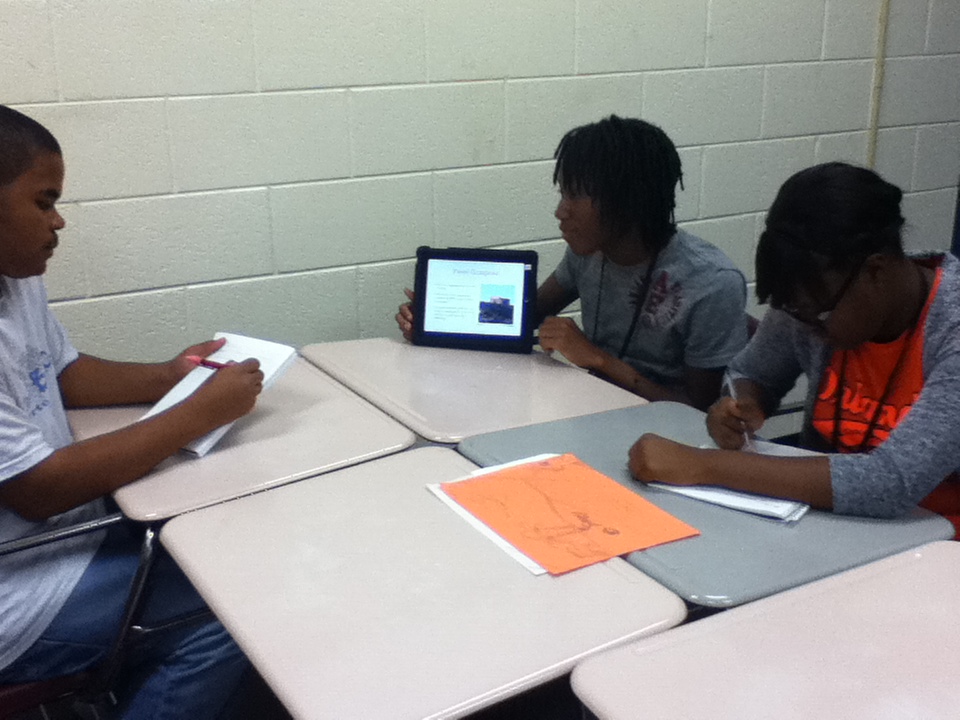
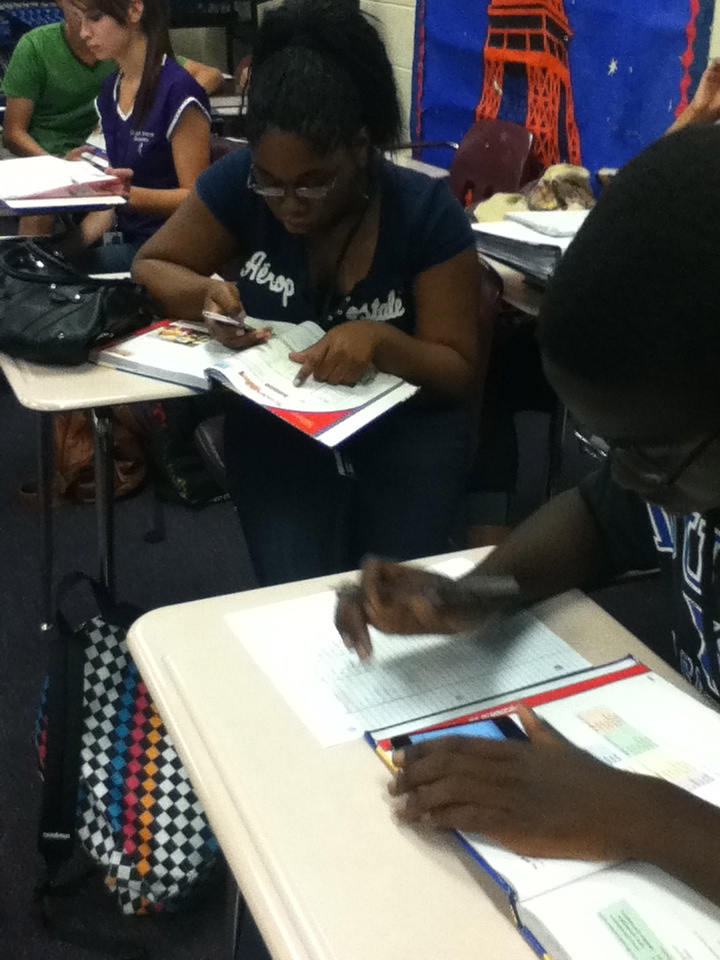
I gave groups a few minutes to finalize and get set up. Then we rotated every 8-10 minutes. Students took notes at each station and wrote down any questions they had so we could address them later.

After the round robin sessions were over, each group led at least one activity so that students could use the information they had been reviewing. Some were great, others were not.

**Note: The process of presenting and activities took several days. It worked really well in my block class (French 3) because we were able to do all of the round robins and then all of the activities. However my French 2 classes were more difficult to organize because they are only 45 minute classes.**

As I mentioned before, I wanted students to be involved in the grading process and take ownership of the project. For each lesson (Keynote & activity), I asked them to complete this survey…

They also graded each of the members in their group. I asked them to look at the Collaboration Rubric and they completed this form…

I averaged the grades from their peers and created a rubric for each group (in google docs). I then made copies of the group rubric for every student in the group. I shared this rubric with each student individually so that they could see their grades (our district has google apps for education). It probably took more time than if I had used paper, but I hate making hundreds of copies of rubrics that students are just going to throw away 😦

I also believe that teachers need to get feedback from their students about projects and just in general. Of course I gave them a google form to complete!

I was a pretty happy with their answers to the survey. I didn’t make it anonymous which I probably could have. Maybe they would have been more honest. French 2 is periods 3 and 5, French 3 is 6/7 block.

Whew! In total, this project took about 6.5 blocks (95 minutes) for my French 3 class and 11 skinnies (45 minutes) for my French 2 classes. I’ll blog again later with examples of the presentations and activities and my final notes 🙂

Collaboration, Google, iOS

Review with #iPads

**I meant to do this post awhile ago, but it’s been crazy around here.**

At the beginning of the year, I always do weeks and weeks of review with my French 2 & 3 students. I start with a pre-test to see where my students strengths and weaknesses are. I was going to embed these, but they’re too long! French 2 & French 3 pre-tets. Usually the results aren’t so positive 😦

Since I’ve already taught all of this information, I don’t really feel like teaching it again. I put my students in charge of their own learning, making sure they understand that if they can teach somebody else something they are that much closer to mastering it. This year I decided to allow the students to create their lessons using the iPads and Keynote. I’ve used the iPods a lot, but having only 5 iPads doesn’t allow me to use them very often.

**Note: I really enjoyed using iPads for this project and would definitely do it again. We bought Keynote but I think it was worth it. Since this project I have been told about a couple other apps that I think would work great for a stand-alone tutorial although I haven’t experimented (ScreenChomp and ShowMe interactive whiteboard).**

Based on the pre-test and discussions with students, I made a list of review groups. For my French 3 class, these were 1) useful vocab, present -ir & -re verbs and faire; 2) object pronouns; 3) passé composé & imparfait and present tense avoir & être; 4) futur proche & passé récent, reflexive verbs and present tense aller & venir. I randomly drew students names and allowed them to sign up for their desired group. Groups were capped at 6 people (for my large French 2 class) but most groups but most groups had 4-5.

**Note: Next time I would probably put them into groups taking into account their strengths and weaknesses, their ability level and how they work with other students. I would also limit the group size to 3 or 4 instead of 5 or 6.**

After the groups were figured out, I asked students to choose a job. All the students were responsible for finding the information for the presentation (using the textbooks, dictionaries, online textbook and any other sources they wanted). I promoted google docs for collaboration, but its awesomeness doesn’t always sink in. One to two students were in charge of finding the correct answers for a section of the pre-test.


A couple other students (2-3) started creating activities for the class to do after learning about their topic. In order to help them create engaging activities so that the class could use the learned information, we had a class discussion about what type of activities they would be interested in. They were most interested in activities that got them up and moving and involved video. I have lots of kinesthetic and visual learners! Lastly, one person was in charge of creating the Keynote slide show for their lesson. I asked that this person be tech savvy but I did not tell them that they would be using the iPads. 😉 I took these students out in the hallway, gave each an iPad and had them walk themselves through the tutorial provided when you purchase Keynote. Then I had them create their own presentation to mess around with.


**Note: I think it is extremely important to allow students to to play around with the new technology first. After having iPods for a year, I have learned to explicitly teach them how to use new programs and to let them explore before allowing them to create the final product. This takes quite a bit of time up front, but is always worth it in the end.**

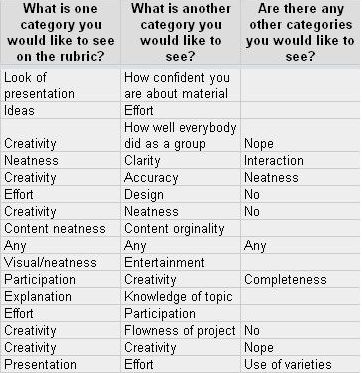
The next day, after I allowed them to get started, we created the rubric together. I told them that there were two non-negotiable criteria for the rubric – depth of content and accuracy of content. Then I had them complete an anonymous google form to gather information from them.

Here are some of their responses:
As you can see, many of them had similar ideas. These similarities appeared not only within the same classes, but across classes and levels. This is our final rubric. Lastly, I asked them who they thought should grade each portion of the rubric. With a little bit of guiding from me (only a little!), all classes decided that I should grade on both of the content criteria but that all students should have some say in how creative & original the lesson was and how engaging and educational the activity was. They also decided that the group members should decide on the grades of the other members of the group.

**Note: I had never allowed students input in the rubric and I thought it was a great experience! I was surprised at how similar their responses were. I think they took more ownership of the project and their grades because of the input I allowed them.**

This has been very long winded! Later I’ll be back with how we set up the lessons & activities, how I collected student input for the group grades, final student products & their thoughts on the project and some final notes 🙂

Collaboration, Professional Development

Finally back!

There have been 23 nights in October. I have spent 13 of them somewhere besides Columbia, SC. It feels good to be back and I’m ready to stay put for a little while!

About a month ago one of my administrators approached me and asked if I wanted to go to a Working on the Work Conference (WoW) in Columbus, GA put on by the Schlechty Center. I’m a young, enthusiastic teacher with no children…how could I say no? The conference started on Sunday and went until Wednesday. It was a 6 hour drive but another teacher drove with me and it was a great to get to know her!

My district has a new superintendent (in her 2nd year) whose ideas and spending have created some controversy in the community. WoW and the idea of changing the work students do in order to engage them and cause true learning is one of her major priorities. Our district has been sending teachers, administrators and staff members to training since she started. We have also hosted a fair amount of training for our staff. After hearing about the training I can’t say I had a super positive outlook on the conference. However, I reminded myself that you get out of it what you put it. I opted to attend the Design 3 session – Teacher as Guide to Instruction. This session drew me in because of the promise of the use of technology.

We got to hear from Phil Schlechty himself about engagement and standards. I was able to identify with the different levels of engagement – engagement, strategic compliance, ritual compliance, retreatism and rebellion. I also found his distinction between performance standards (what students are able to do) and curriculum standards (what students should know) to be very helpful. He believes that government should give curriculum standards, but that performance standards should be determined by the teachers. I agree that the idea of standards is essential, but we (as a nation) have taken it to the extreme and instituted mass amounts of standardized testing. When I moved to South Carolina I was astonished at the number of tests high school students must take (per the State Department of Education). Are multiple choice tests a true reflection of student learning? Phil Schlechty (and most people I follow on twitter) would tell you absolutely not.

The main take-aways from the conference were:
1) Teachers must get to know their students (their WHO). This is the first and most important thing all teachers should do.
2) Based on their WHO, teachers should create work that allows student choice, reflects their interests and shows that they have truly learned and understood the concepts.

This is usually more project and problem solving based. Students are actually learning to think, not just focus on useless facts. This is not really new (most good teachers already believe this), but it was nice to be around like-minded educators who are ready to do something more than just complain. I also liked being given the verbage and the tools to start designing work for my students as opposed to ‘planning’ lessons. In my specific session we focused on being a guide to instruction, not the sole content expert in the classroom. Collaborating with other experts and creating experiences for students is key.

I know all this training costs money and takes teachers out of the classroom, however if my district & superintendent believe in teaching students how to think and want to reform education, I can get on board. Even if I got nothing else from the 4 days (which I did!), I had the opportunity to experiment with Prezi for the first time! I loved it and I’m excited to play with it more. I Our assignment was to create a stand-alone tutorial for other educators teaching them about and demonstrating one of the design qualities. Enjoy my final product!

Chromebooks, iOS, Social Media

Life Happens

Life has been hectic lately. I don’t have time for much of anything extra. I’ll be at a Working on the Work conference in Georgia Sunday to Wednesday, but hopefully I’ll have time to get some more posts up. Too many good ideas, not enough time!

In the meantime, here is the video my district did about our Twitter project with M. Davignon.


p.s. My name is Lissa (not Lisa) – as in Melissa without the ‘me.’

Google, iOS

Summer Reading Celebration #rvReads2011

Today we didn’t have a traditional day at school. We celebrated reading!

Students (and teachers) choose a book from a long list to read over the summer and then we spend one day discussing the books and celebrating! In the morning, we had pre-discussion time with our advisories (so they could actually have time to remember what they read). Then we moved into the gym and auditorium for the summer reading movie. This year’s was way better than last years’ but not much can compete with two years’ ago! After that, students separated into groups based on their books (about 2 teachers per group).

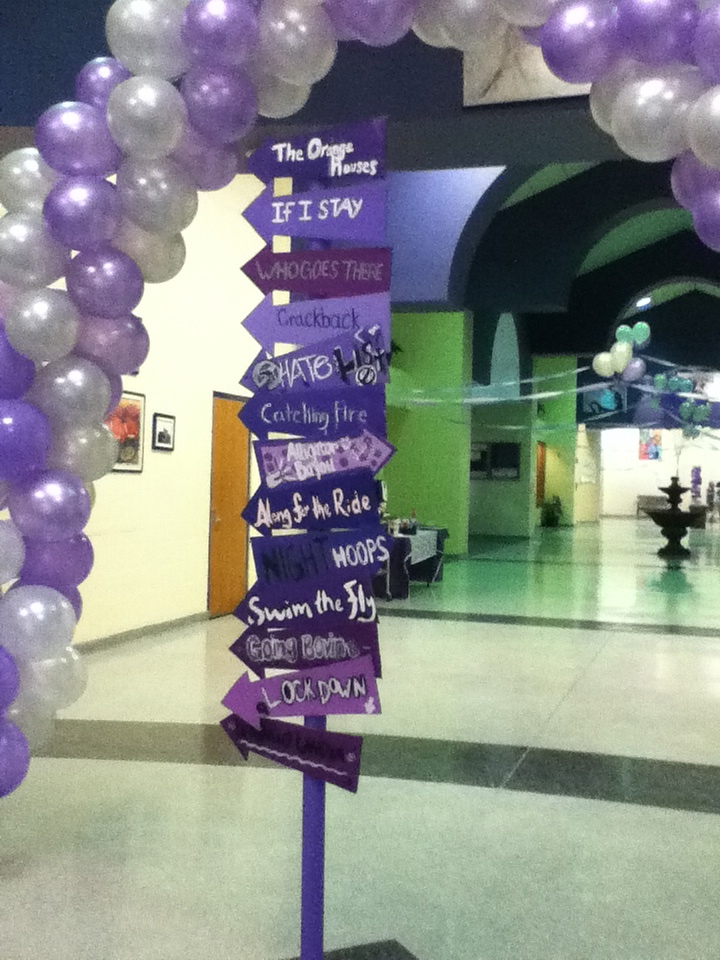
Keely Hitchings and I read The Orange Houses. We started by having them fill out a google form.

This served serveral purposes: attendance, iPod use agreement and gathering their student number so I could give them author priviledges to our blog (more on that in a minute). For our getting to know you activity, everyone (including Keely & I) wrote 3 truths on a half sheet of paper and crumpled it up in a ball. As students picked out paper balls, they read the 3 truths and tried to guess who it was (most students didn’t know each other). When we guessed correctly, the student told us their name, grade and gave a star rating to the book. Ratings ranged from 2 to 4 with mostly 3s and 4s 🙂 Yay for a good book! (seriously, you should go read it)

Our next activity was a philosophical chairs anticipation guide. Students moved to one side of the room or the other based on whether they agreed or disagreed with the statement displayed. Going back and forth between sides, students summarized the previous person’s argument and then gave us their own opinion. Last year, this activity didn’t go so well for us (we read 13 Reasons Why). This year, however, it took up way more time than we thought it would and we actually had to stop students from talking…because we wanted to move on the the awesomest part of the day!

Keely and I choose a couple good movie trailers (The Dark Knight Rises, The Curious Case of Benjamin Button) and a couple bad trailers (Twilight, Click, Transformers). We noted that it was not that these were bad MOVIES, but bad TRAILERS. We asked the students to think about what made them good or bad as we were watching them. This is what Keely and I came up with:

good because:
*makes you want to go see it NOW (even for $10)
*tells you just enough about the story to intrigue you
*tells you about the story, but leaves big gaps
*mysterious
*good music

bad because:
*gives away the entire movie (predictable plot)
*don’t need to pay to see movie after seeing trailer
*doesn’t make you wonder
*misleading
*empty
*scattered, not organized

Students then had options for what they created based on our book. Using iMovie, they could create a movie trailer. Because of time constraints, we only had one group choose this option.


The other options were a storyboard trailer (using Keynote), an epilogue, detailing which Hollywood actors would play the characters in the movie version (and why), and a countdown to a life-changing event in their own life. Because we had so little time, most of the students chose to write an epilogue or choose movie characters. Check out our blog to see what they did! The logistics of how they edited the blog…During lunch I added each of the students in our group as an author (using their google apps account). They were sent an email from me inviting them to join the blog. Using the iPods, they checked their email and followed the instructions for registering for blogger (in the future I would be diligent about having them create appropriate usernames – first initial, last name). Then students accessed and edited the blog using the Blogger app that I found in iTunes and downloaded to each iPod. This app was a great way for them to create posts with pictures. Last night, I went through and took away their author privileges so they can’t go do anything irresponsible now that we’re not watching over them. If we had more time, it would have been fun for them to comment on each others’ posts.

For the last 1.5 hours of the day, everyone headed to the gyms for a carnival. There were tons of games, face-painting, dancing, and FOOD. It’s craziness, but most of the kids have fun.

Overall, I think this year was the best celebration since I’ve been here. My only complaint was that the carnival was too long and we didn’t have enough time in our book groups. But I know other teachers would complain that they had too much time. Although we maybe get half of the student body to come to school (I don’t know exact numbers), the ones that do come seem to have a pretty good time even if they don’t want to admit it 🙂

Collaboration, iOS, Social Media

Twitter = Success!

We just finished our conversation with @IDEM_in_English 🙂 My students were interested to discover that they are at a boarding school in Montpellier. We tweeted in French and @freddav’s students tweeted back in English.

Here are the logistics (from our end):
*I moderated student tweets using our class account (@rvhfrancais1) and the hashtag #rvhsidem.

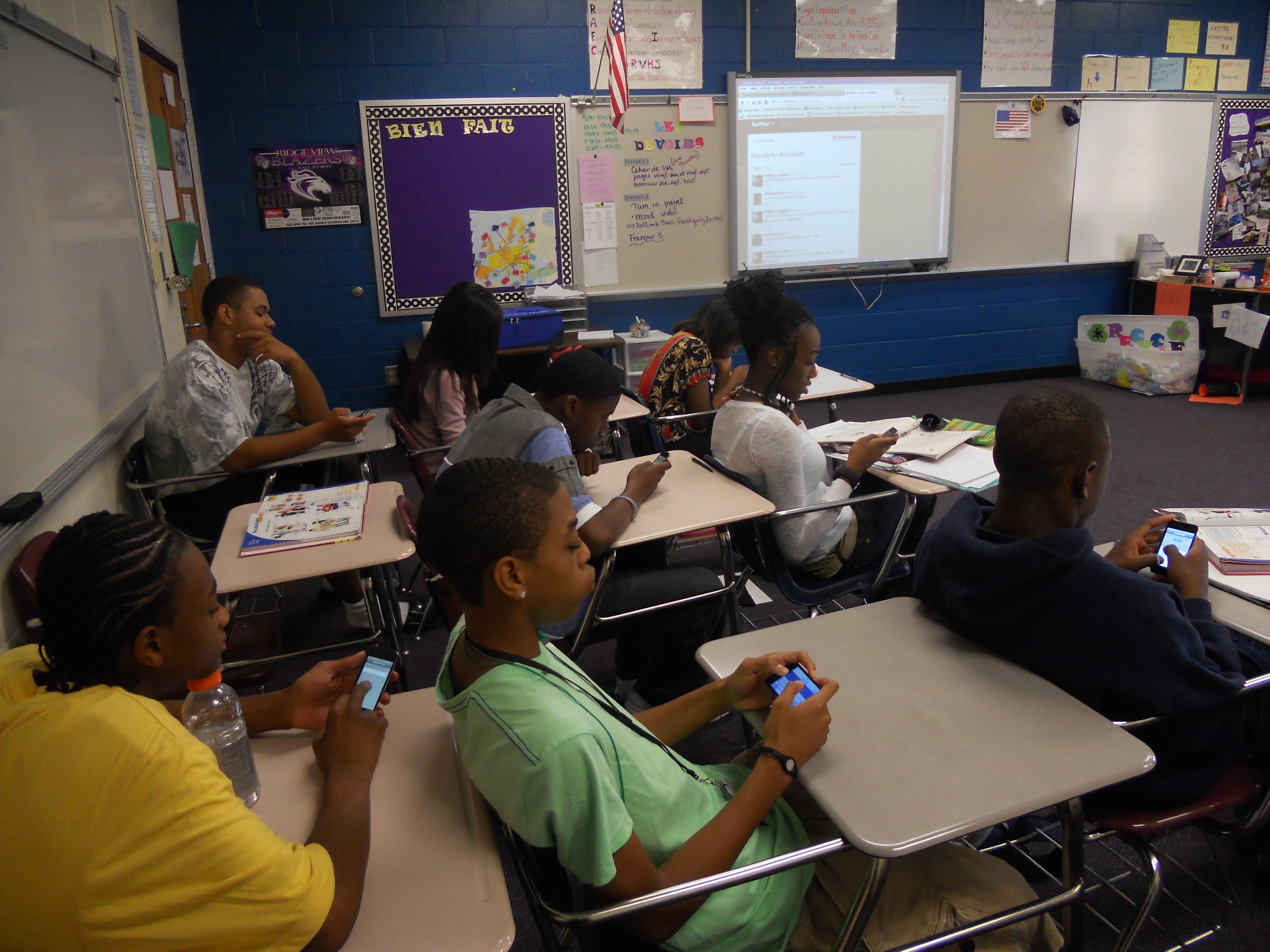
*I displayed the twitter feed on my computer connected to the smartboard so that students could see what was being tweeted.

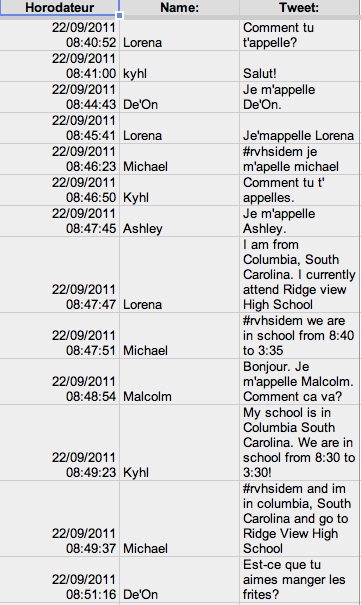
*My students used the class set of iPod touches to submit their tweets to me using this form.

*Their responses showed up in a nice, organized spreadsheet.

*Using my second computer (not connected to the smartboard), I copied and pasted their tweets with their name and the hashtag into twitter. This worked really well and allowed my students to take ownership of their tweets (they loved it when the French students responded directly to them). I was able to add their tweets quickly and I didn’t have to do a lot of typing. If i noticed that students were making mistakes, I talked to them about it. If we they wanted to respond to a tweet but didn’t know how to in French, I helped them find the words. We did tweet some in English since they’ve only been learning French for 5 weeks.

*Before the conversation started, I set up a Twapper Keeper so that our hashtag was archived. This will be helpful in the future so that we can go back and see what happened in our first conversation!

My students not only were able to communicate in French with students in France, they were also able to learn about their culture. I hope we’ll be able to collaborate again so that both groups of students will be able to grow 🙂

Update: We even made the news in France!

Collaboration, Social Media

Connecting Students through Twitter!

When I first heard about Twitter, I wasn’t interested in joining. I thought it was a bunch of celebrities complaining about their lives (stupid!). Then about a year and a half ago, my husband convinced me that it could also be a powerful tool for educators. I had no idea what a PLN was and I was clueless to the amazing resources just a click away.

At the beginning of last year (fall 2010), I created class twitter accounts and a facebook profile so that I could communicate homework and other assignments with my students. {Side note: I strongly believe in meeting my students where there are (i.e. Facebook & Twitter). More on social networking & education for another post!} I also experimented with my French 2 students and twitter. They read an article and then we had a class discussion about it. Afterwards, they created twitter accounts and we used the hashtag #rvhfr2 to tweet about what they thought. The local news station ended up running a story and my students were wonderful.

Since then, I’ve tried to invest more time in my PLN (@mmelayman and this blog). I’ve gained a lot from other educators around the world and this summer I decided I wanted my students to be able to learn from people around the world too (they’re learning a world language after all!). I knew that I wanted to use twitter to find other teachers to collaborate with but I was procrastinating….until I found @TiceChampagnole and twittclasses! I was so excited to find a list of teachers in France and Canada that use twitter that I stopped being lazy and immediately contacted him. He suggested I contact @freddav and his class – @IDEM_in_English.

SO…my super exciting news is that on Thursday our classes will be tweeting together! His middle school class and my high school French 1 class will be “talking” on Thursday morning between 8:40 and 9:30am EST. My students have only been taking French for 5 weeks, but I think this will be a great experience. My students will be tweeting in French (for as long as they can with the vocab they know) and his students will be replying in English. There are still some details to be worked out (hashtag, individual vs class account, what to talk about), but I’m really excited about the possibilities of this collaboration. How COOL that my students in South Carolina will be communicating in real-time with students in France? Blows my mind 🙂

Update: This morning I told my students about what we’d be doing tomorrow..their minds were also blown. Their homework tonight is to come up with questions they can ask the French students (in French and in English). They seem pretty excited! After a trial and error this morning with twitter (student access is limited in our district), I decided to use my class account. My class will be tweeting from @rvhfrancais1 (I will be moderating their questions and responses). Our hashtag will be #RVHSIDEM.

iOS

bittersweet

I’ve known for about a month that my ITS applied for a promotion to go from the school level to the district office level. I found out last week that she got the job 😦 She starts Monday. That means I’ve lost a great resource that is just feet away. But I’m really excited for her! Luckily she will still be just a gchat away.

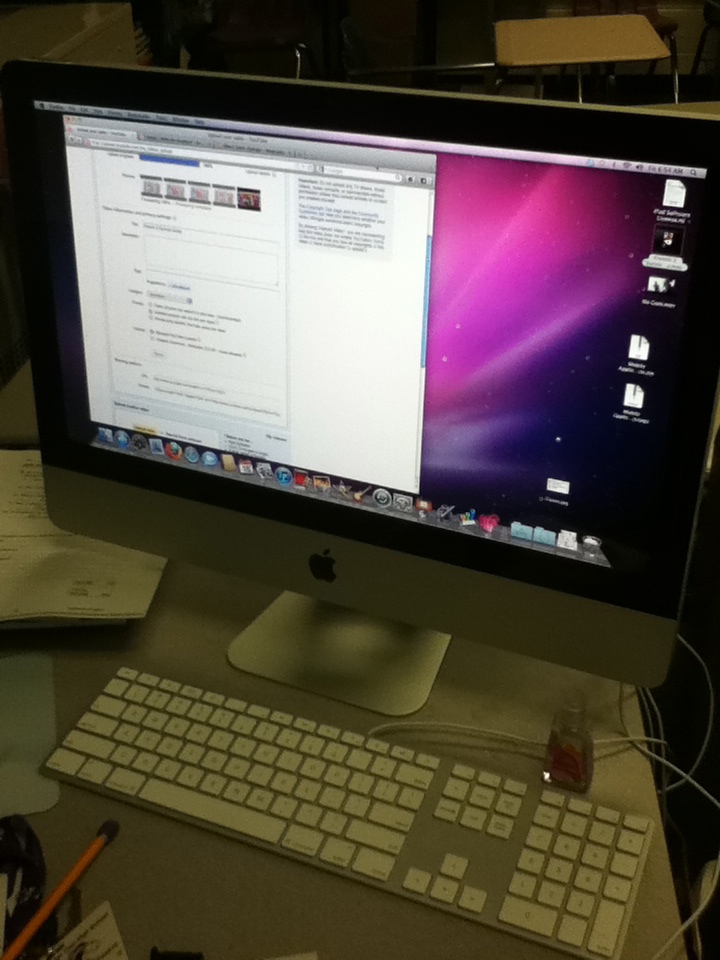
The sweet part of the deal is that I know have a (hopefully) permanent guest on my desk 🙂

This is especially nice for me because I am not a plan-aheader (at least when it comes to lesson plans). It seems as though I come up with my best ideas at the last minute. Having the iMac and a cart of iPods in my classroom means that when I have last minute ideas with potential, I can try them out. After having the iPods for almost a year, I truly believe that the best way to use technology more effectively is to just play and experiment with it. Sometimes it’s going to fail miserably. Other times it’s going to be genius. Most times, it’s going to need some tweeking – which is one of the main reasons I started this blog. I hope that writing about and reflecting on what I do in my classroom will make me a better educator.