1 Two 1, Google, Professional Development

#google #chromebooks debut tomorrow!

Time flies so fast! I can’t believe it’s already been so long since I last did a real post. We were lucky enough to have a mid-winter break last week. Probably the most amazing invention ever. Christmas break to Spring break always seems sooo long and drags on forever. Having a week off in February was beneficial for everyone involved (in my humble opinion). My husband and I travelled to San Francisco for a little work & play.

This week, I’ve been getting back in the hang of things AND getting ready for my classes to go 1TWO1 with Google Chromebooks. I’ve had a cart with 27 beauties sitting in my classroom for a couple weeks, but I didn’t have the combination to the lock 😦 Today I spent the entire day in professional development with the rest of the teachers in phase 1 getting ready to roll out the Chromebooks. I’m excited to have access to another digital tool! But I do want to make it clear that just because I have them, doesn’t mean we’ll be using them everyday all the time. They will just be another tool in our box in my classroom.

I got a lot of thinking and planning and learning time today, but I still have lots to contemplate. The desks in my room probably aren’t ideal for 1:1. I don’t really have any idea what I’m going to do. I want an arrangement that is flexible (not ONLY for tech) but also allows me to keep an eye on what my students are doing. Tomorrow I think I’m going to introduce the Chromebooks & Google OS, talk about proper behavior and have the students do a scavenger hunt in Google Docs.

This is exciting, but overwhelming at the same time! I’ve been teaching for 2.5 years and I’ve incorporated a lot of technology in my classroom. But being 1:1 involves a complete mind shift. I want to put the technology to it’s BEST use and not use it as another (online) worksheet for my students to do. I want to be at redefinition in all my lessons! But I know it’s a slow process and I need to remember that 🙂 It’s time for me to get out of my comfort zone and spend time figuring out what my classroom & lessons will look like. My goal is to have my students producing great work that they are proud of (and I’m proud to show off) while actually learning and understanding French language (and culture). That’s not too much…right?

Collaboration, Google, iOS, Social Media

Assessing Twitter

Last semester my French 1 students tweeted with @idem_in_english (class of @freddav). My French 3 students tweeted with @3eVictorHugo (class of @mister_street). Both of my classes changed at the semester and I now have all French 2 classes. This semester, my block French 2 classes (1st and last class of day) will be tweeting with @idem_in_english (#rvhsidem) and my year long French 2 classes will be tweeting with @3eVictorHugo (#rvhclv).

Although I have a system for collecting what my students want to tweet, I haven’t been very good at evaluating their tweets. So what happens is they submit their tweets and as they are submitting, I’m looking through them and talking to them about what they need to change if it needs correcting. This is difficult when 20+ students are sending tweets in and chatting in class while they do it. It’s not effective. As I was doing this today (and noticing how many mistakes there were – small, but still!) I decided to try something new. On Monday, I’m going to sort my spreadsheet of their responses by their names. I will then print them out and give each student a piece of paper with their responses (wish I didn’t have to use paper, but I don’t think iPods would be a very good tool. Wish I had my chromebooks so I could use google docs!). This way, each student can see what he/she has written and correct it. I’m a big fan of having students correct their own work. As they are correcting their tweets, I’ll be circulating to help them. Then I can collect them and send them to twitter. It will take a little more time and effort, but I want my students to be practicing French correctly!

Happy Friday!!

1 Two 1, Collaboration, Google, iOS

Second Semester!

Whew! Second semester is in full swing! It’s been a bit crazy here but things are starting to settle down nicely. Last semester I taught French 1, French 2 and French 3. This semester I’m only teaching French 2 (block & year long classes)! I have high hopes for a much less stressful couple of months. Some things to stay tuned for…

*My class will be getting a class set of ChromeBooks soon as part of our district’s 1TWO1 initiative.

*My French 3 class finished up their final projects, so I’ll be sharing more on that soon.

*I also found out that my proposal for the 2012 SCFLTA conference was accepted. In February I’ll be presenting on using mobile devices (phones, ipods, etc) in the classroom.

*My semester French 2 classes are just finishing up their review projects. I’ll have more to share about how it went this time around.

*On a whim (and since my desks were in groups) I experimented with a speaking activity with my year-long French 2 classes today. I think it went decently well but I want to get it down on “paper” for the future.

à bientôt!

Google, iOS

F3 Project Proposals

Yesterday my French 3’s final project proposals were due…

After they submitted their proposal, I had individual meetings to discuss their project. Together, we tweeked their ideas so that they didn’t require too  much new vocabulary (I don’t want them to be reliant on a dictionary). We also made sure that they would be able to talk about the past and future. As we met, I edited the spreadsheet to reflect what we discussed. After class, I took screen shots of their final proposals and emailed them to each student.


They have the rest of this week, plus the week that we come back from break, to work on the projects. It is completely up to them if they work on the projects during break…but if they use class time wisely, they shouldn’t have to do too much at home. We shall see what happens!

Collaboration, Google

Getting Student Input for Final Assessment

My block classes have finals in less than two weeks! Where has the semester gone?! Although we will still have one week of class after Christmas break, we are giving finals before break (I, personally, think this is amazing!).

This year I have really tried to go away from the paper/pencil assessments with my French 2 and 3 classes. Although it has been extremely hard for me not to be guided by a textbook, I think (HOPE!) my students understand better that communication and comprehension is key in learning a language.  I have LOTS of things that I need to change for next semester (like be way more organized) but it has been a good learning experience for all.

Today I gave my French 3 students a survey to get their input on the final “exam.” Thanks to my awesome husband for the idea! We talked about how they hadn’t taken many traditional tests/quizzes this year so I didn’t think it would be fair to give them one for the final exam. I asked them to be specific about how they wanted to show me what they’d learned. I wanted details and how they thought they should be graded.

I got a lot of really great feedback (loved the idea from one student about a multi-genre project). Now just taking/finding the time to make an amazing final project…

Google, iOS

#iPads and Open House

This is going to be a quick post because I am completely overwhelmed with all the things I have to do in the next week. However, I am a procrastinator by nature…donc voilà! I’m blogging 🙂

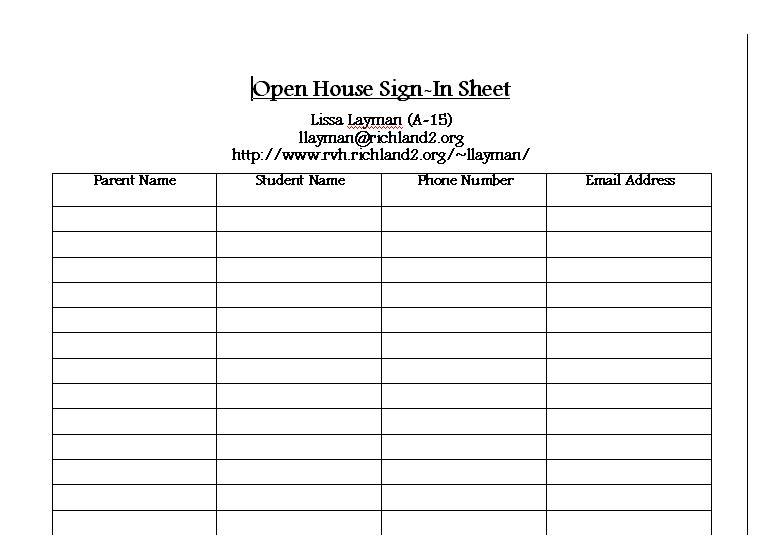
We have Open House every semester at my high school where parents are encouraged to come meet their children’s teachers. It is a drop in format and I like to keep it this way (NOT have individual conferences with each parent). In the past I have had a sign-in sheet for parents. This, like all paper, usually gets tucked away somewhere never to be seen again!

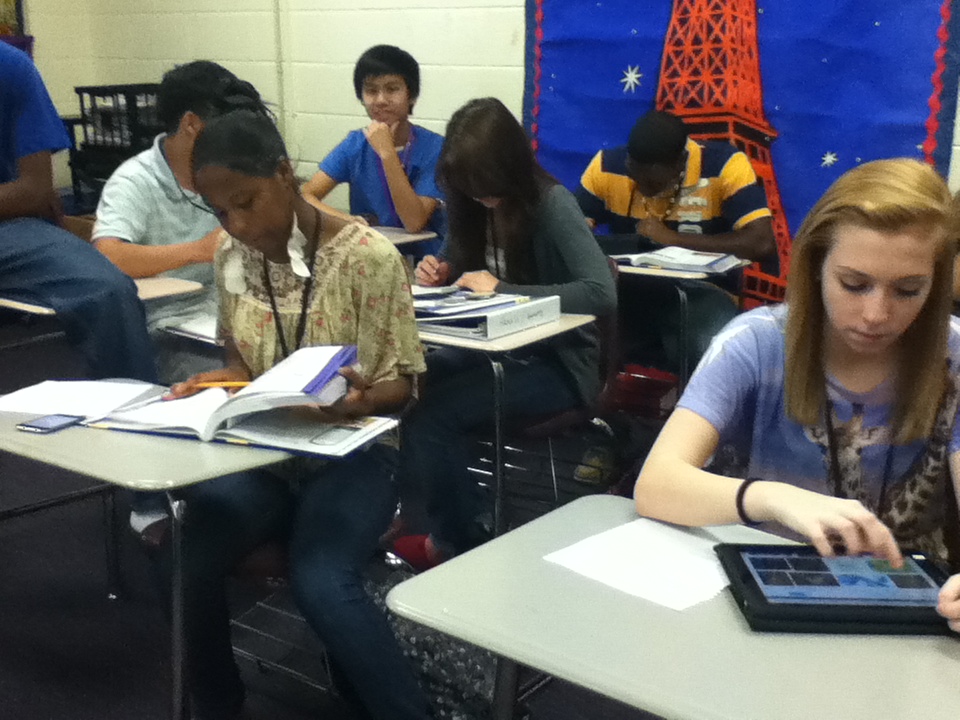
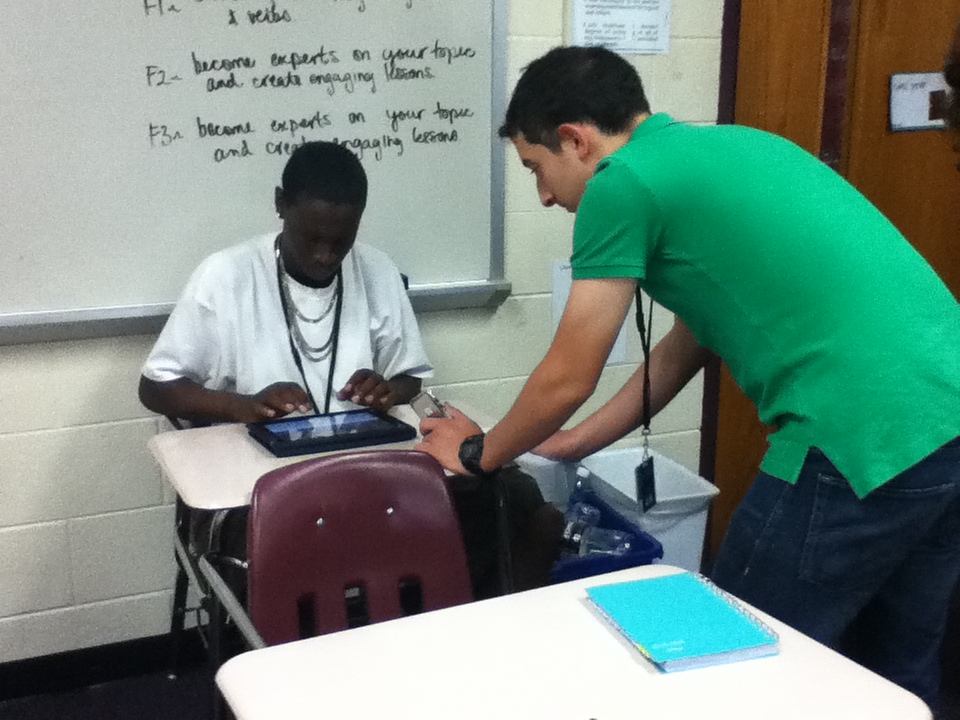
In the spirit of trying to be paperless and to give the parents a little taste of what their students were doing in class, I set up a couple iPads in my classroom (the table cleverly blocks parents from staying too long ;).

I had google doc ready and open for parents to fill out when they came in.

Although I was constantly re-logging into the network wi-fi, I really liked how this worked! Parents are definitely not as tech-savvy as their children, but I think it gave them a good experience. Before Open House started, I made a note of all the parents who hadn’t filled out the beginning of the year surveys. After they finished signing in, I helped them navigate to those surveys. Two for the price of one!

Like all google forms, the results were in a neat spreadsheet. The next morning when I got to school, all I had to do was copy and paste their email addresses and send them a note thanking them for coming. It was quick and easy and I like making positive contact with parents!

1 Two 1, Collaboration, Google, Professional Development

Pros, Cons & Web 2.0

The teachers that have been selected to go 1:1 in January must complete 20 hours of professional development. We started yesterday morning. Our first assignment was to add at least 3 blogs to our google reader (done that!). Our second assignment was to create an introduction using google presentations. Here’s mine. (I couldn’t get it to embed 😦 )

Would love to hear any other positives or negatives to going 1:1!

Our 3rd assignment is to pick our favorite web 2.0 tool and share it. I got some really great ideas on twitter yesterday! Always looking for more to share with other teachers 🙂
Mme Nero (@MmeNero)
LeydenASCI (@LeydenASCI)
Technology in MFL Classroom (@LeydenASCI)

There are just so many to choose from now I’m a little overwhelmed. But I’m excited to explore all of it! Merci!

1 Two 1, Google

1:1 in January w/ #Chromebook

Richland 2 will be rolling out our 1:1 initiative in January (also known as 1 TWO 1). By August 2013 all 25,000 students in our district will have a device (well except grades K-2). Muller Road Middle School opened up this year and gave each student an iPad (you can read about the implementation here). Blythewood Middle gave each student an android tablet last week. In January, 1/3 of teachers at each of the 4 high schools will receive Google Chromebook carts for their rooms. We were selected through an application process. Yes we 🙂 Sometime in January I will have the awesome opportunity to take my classes 1:1. This is definitely going to be a steep learning curve for a lot of people, including me. I hope that my experience with the iPods and iPads will make the transition easier for me. But there is SO much to think about! I’m an over-achiever and perfectionist…I want lessons that will engage my students meaningfully. I want them to learn A LOT. I want them to be able to communicate with people around the world and see the value in learning another language. And I want to do all of this right away at the Redefinition level. Is all that possible without going crazy? We shall see!

Collaboration, Google, iOS

More review with #Keynote and #iPads

I was really excited about the review project! I was finally able to use the iPads for something meaningful and students were excited to be using the technology.


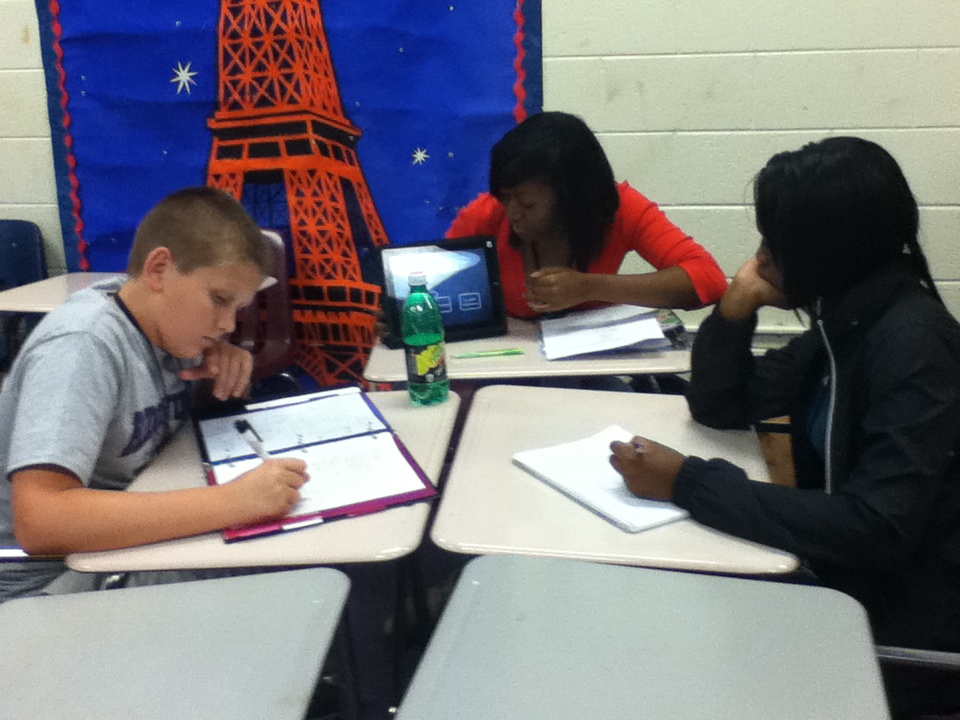
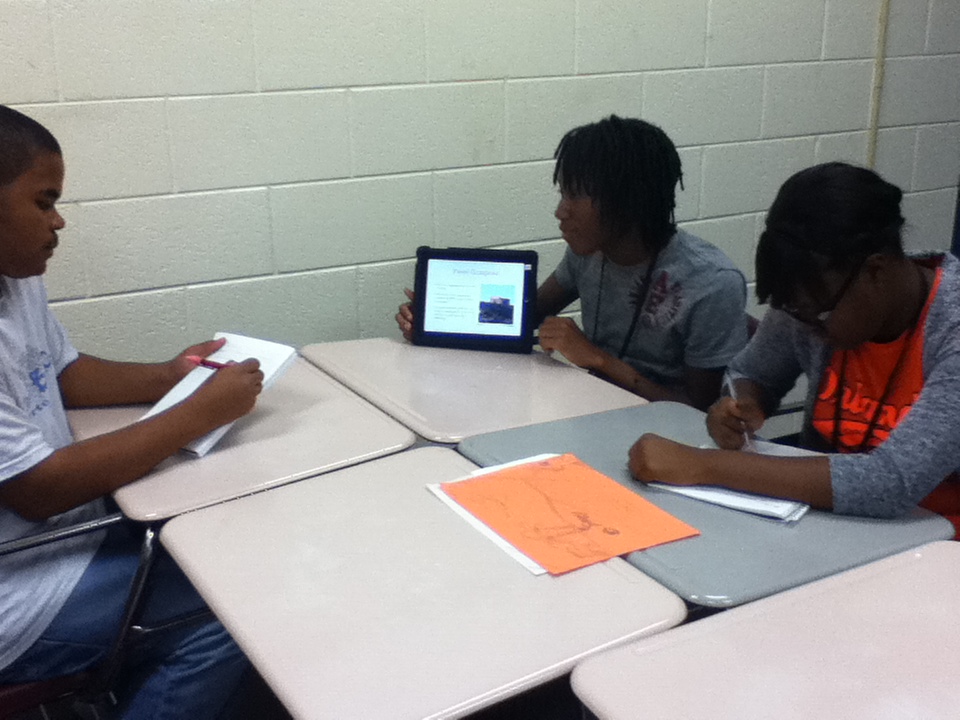
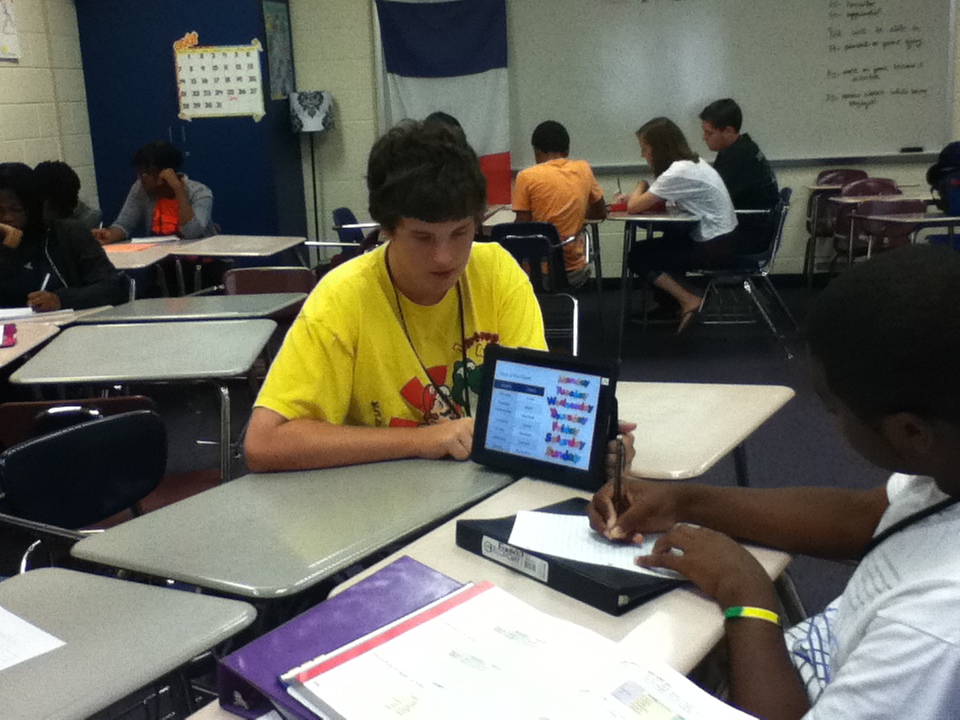
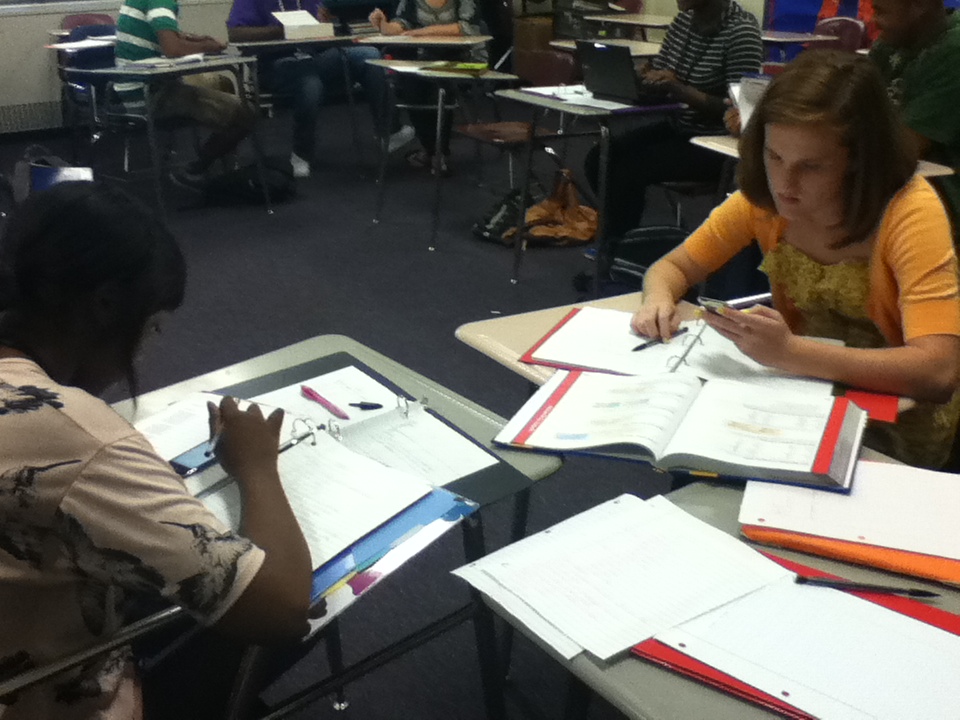
I love allowing students to teach each other but I just didn’t know how it was all going to work. I asked my Integration Technology Specialist at the time (MaryAnn) for ideas about how groups could present their lessons. She recommended round robin sessions…genius! I set up my desks in groups of 5 or 6. We used the cases that came with the iPads to stand them up. I gave students the choice to leave a group member with the iPad for a few minutes (to introduce the lesson) or not. Most groups chose not to and I encouraged this because they needed to be traveling around so they could learn from the other groups!

**Note: Next time I would tell students from the beginning to create a stand-alone tutorial. I didn’t like when students had to stay behind and weren’t able to get the most out of the activity**

I gave groups a few minutes to finalize and get set up. Then we rotated every 8-10 minutes. Students took notes at each station and wrote down any questions they had so we could address them later.

After the round robin sessions were over, each group led at least one activity so that students could use the information they had been reviewing. Some were great, others were not.

**Note: The process of presenting and activities took several days. It worked really well in my block class (French 3) because we were able to do all of the round robins and then all of the activities. However my French 2 classes were more difficult to organize because they are only 45 minute classes.**

As I mentioned before, I wanted students to be involved in the grading process and take ownership of the project. For each lesson (Keynote & activity), I asked them to complete this survey…

They also graded each of the members in their group. I asked them to look at the Collaboration Rubric and they completed this form…

I averaged the grades from their peers and created a rubric for each group (in google docs). I then made copies of the group rubric for every student in the group. I shared this rubric with each student individually so that they could see their grades (our district has google apps for education). It probably took more time than if I had used paper, but I hate making hundreds of copies of rubrics that students are just going to throw away 😦

I also believe that teachers need to get feedback from their students about projects and just in general. Of course I gave them a google form to complete!

I was a pretty happy with their answers to the survey. I didn’t make it anonymous which I probably could have. Maybe they would have been more honest. French 2 is periods 3 and 5, French 3 is 6/7 block.

Whew! In total, this project took about 6.5 blocks (95 minutes) for my French 3 class and 11 skinnies (45 minutes) for my French 2 classes. I’ll blog again later with examples of the presentations and activities and my final notes 🙂

Collaboration, Google, iOS

Review with #iPads

**I meant to do this post awhile ago, but it’s been crazy around here.**

At the beginning of the year, I always do weeks and weeks of review with my French 2 & 3 students. I start with a pre-test to see where my students strengths and weaknesses are. I was going to embed these, but they’re too long! French 2 & French 3 pre-tets. Usually the results aren’t so positive 😦

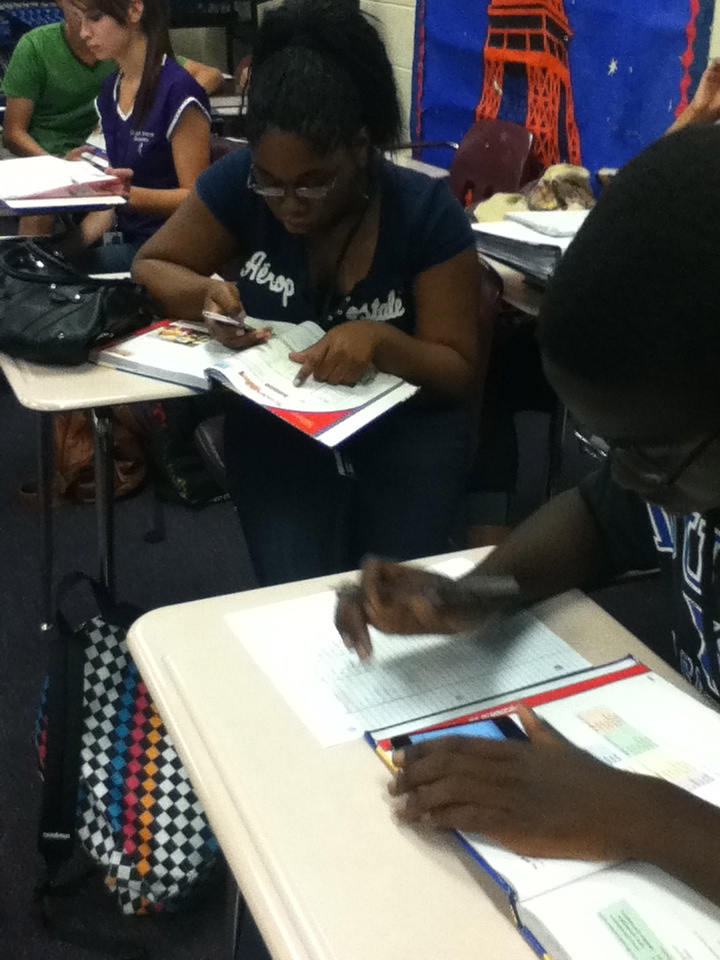
Since I’ve already taught all of this information, I don’t really feel like teaching it again. I put my students in charge of their own learning, making sure they understand that if they can teach somebody else something they are that much closer to mastering it. This year I decided to allow the students to create their lessons using the iPads and Keynote. I’ve used the iPods a lot, but having only 5 iPads doesn’t allow me to use them very often.

**Note: I really enjoyed using iPads for this project and would definitely do it again. We bought Keynote but I think it was worth it. Since this project I have been told about a couple other apps that I think would work great for a stand-alone tutorial although I haven’t experimented (ScreenChomp and ShowMe interactive whiteboard).**

Based on the pre-test and discussions with students, I made a list of review groups. For my French 3 class, these were 1) useful vocab, present -ir & -re verbs and faire; 2) object pronouns; 3) passé composé & imparfait and present tense avoir & être; 4) futur proche & passé récent, reflexive verbs and present tense aller & venir. I randomly drew students names and allowed them to sign up for their desired group. Groups were capped at 6 people (for my large French 2 class) but most groups but most groups had 4-5.

**Note: Next time I would probably put them into groups taking into account their strengths and weaknesses, their ability level and how they work with other students. I would also limit the group size to 3 or 4 instead of 5 or 6.**

After the groups were figured out, I asked students to choose a job. All the students were responsible for finding the information for the presentation (using the textbooks, dictionaries, online textbook and any other sources they wanted). I promoted google docs for collaboration, but its awesomeness doesn’t always sink in. One to two students were in charge of finding the correct answers for a section of the pre-test.




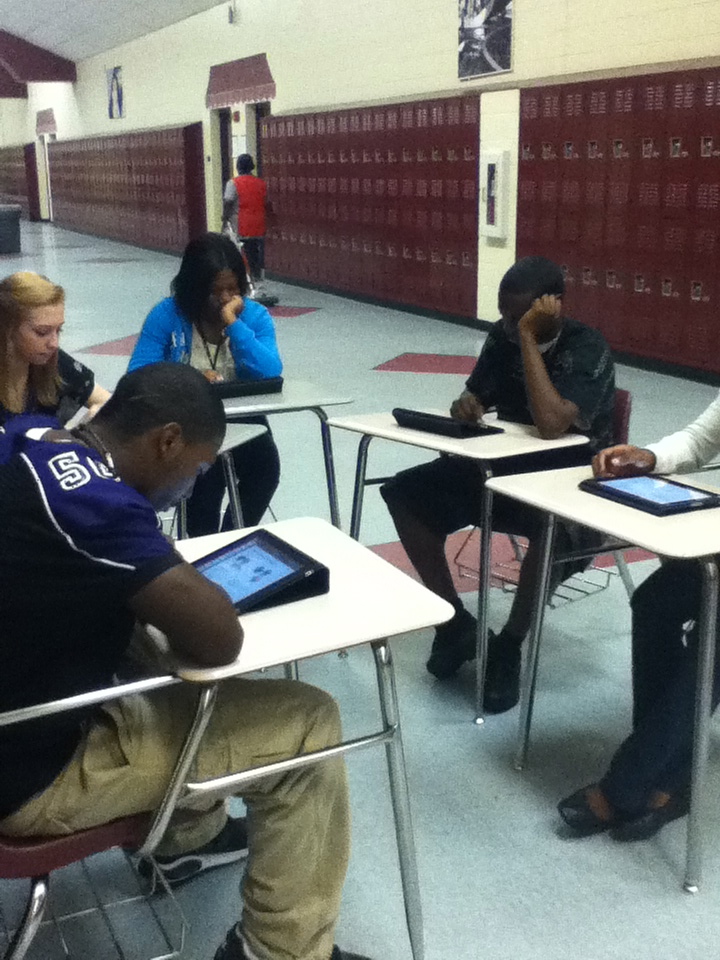
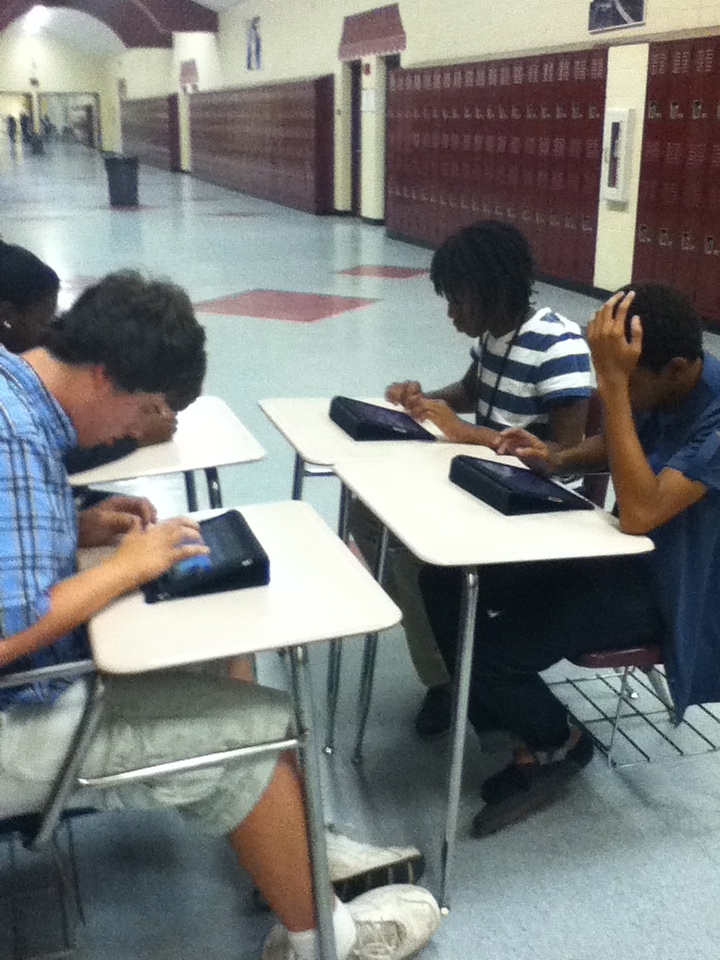
A couple other students (2-3) started creating activities for the class to do after learning about their topic. In order to help them create engaging activities so that the class could use the learned information, we had a class discussion about what type of activities they would be interested in. They were most interested in activities that got them up and moving and involved video. I have lots of kinesthetic and visual learners! Lastly, one person was in charge of creating the Keynote slide show for their lesson. I asked that this person be tech savvy but I did not tell them that they would be using the iPads. 😉 I took these students out in the hallway, gave each an iPad and had them walk themselves through the tutorial provided when you purchase Keynote. Then I had them create their own presentation to mess around with.
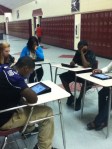
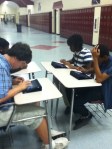


**Note: I think it is extremely important to allow students to to play around with the new technology first. After having iPods for a year, I have learned to explicitly teach them how to use new programs and to let them explore before allowing them to create the final product. This takes quite a bit of time up front, but is always worth it in the end.**

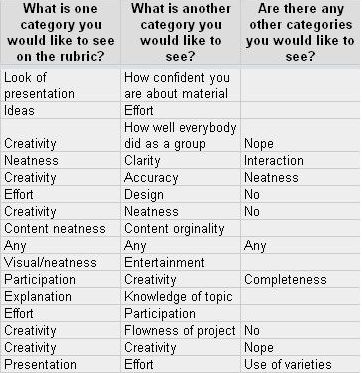
The next day, after I allowed them to get started, we created the rubric together. I told them that there were two non-negotiable criteria for the rubric – depth of content and accuracy of content. Then I had them complete an anonymous google form to gather information from them.

Here are some of their responses:
As you can see, many of them had similar ideas. These similarities appeared not only within the same classes, but across classes and levels. This is our final rubric. Lastly, I asked them who they thought should grade each portion of the rubric. With a little bit of guiding from me (only a little!), all classes decided that I should grade on both of the content criteria but that all students should have some say in how creative & original the lesson was and how engaging and educational the activity was. They also decided that the group members should decide on the grades of the other members of the group.

**Note: I had never allowed students input in the rubric and I thought it was a great experience! I was surprised at how similar their responses were. I think they took more ownership of the project and their grades because of the input I allowed them.**

This has been very long winded! Later I’ll be back with how we set up the lessons & activities, how I collected student input for the group grades, final student products & their thoughts on the project and some final notes 🙂